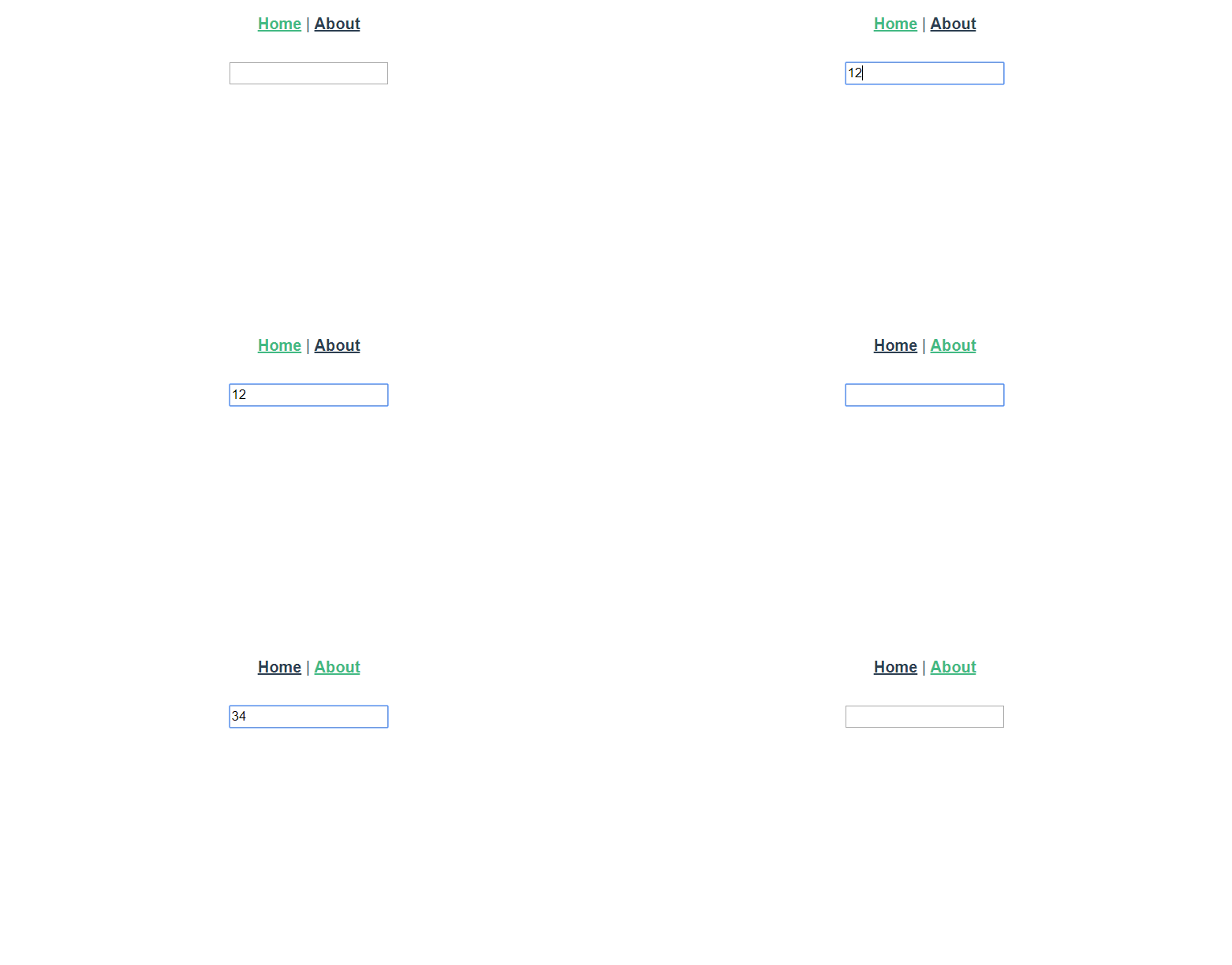
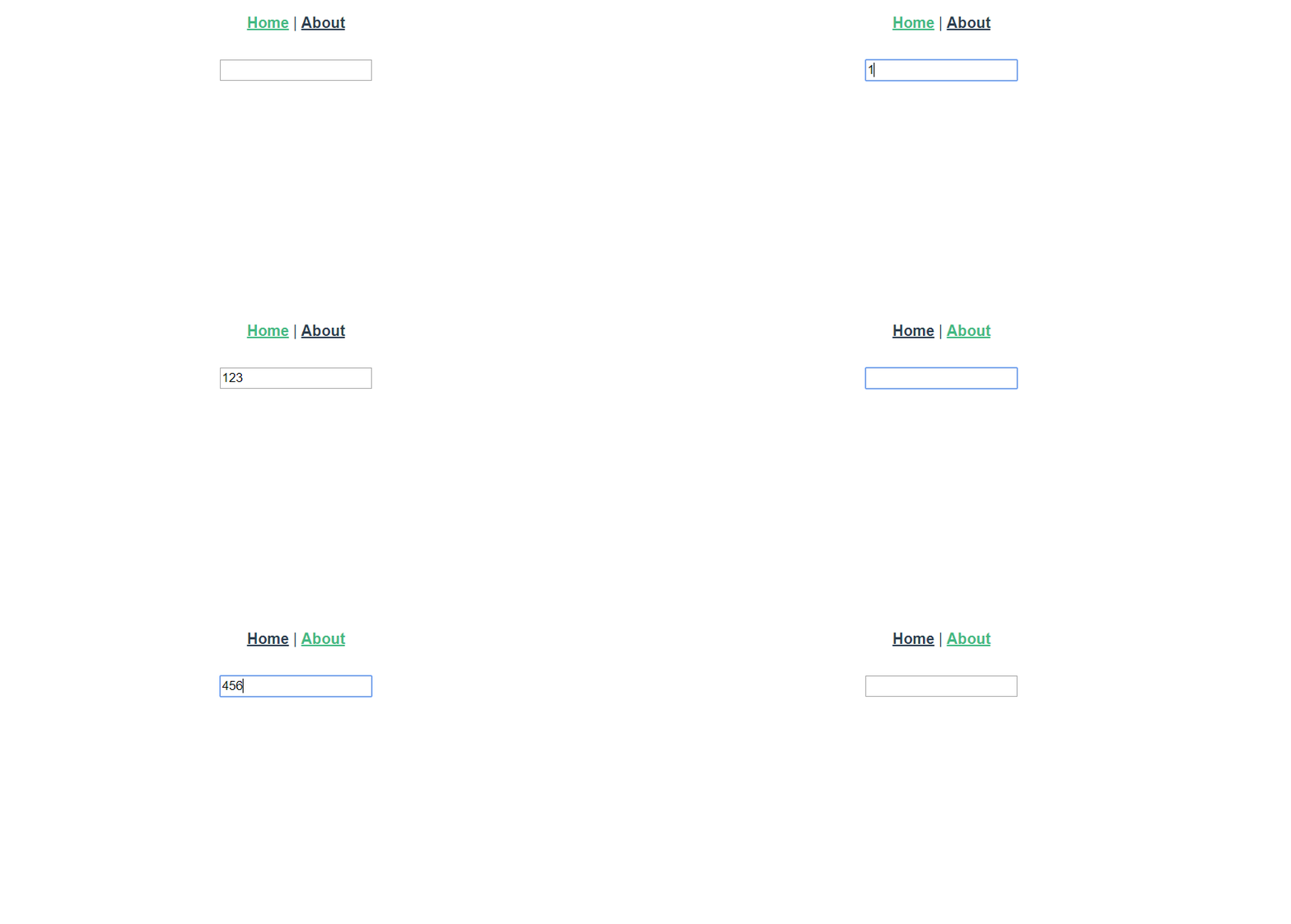
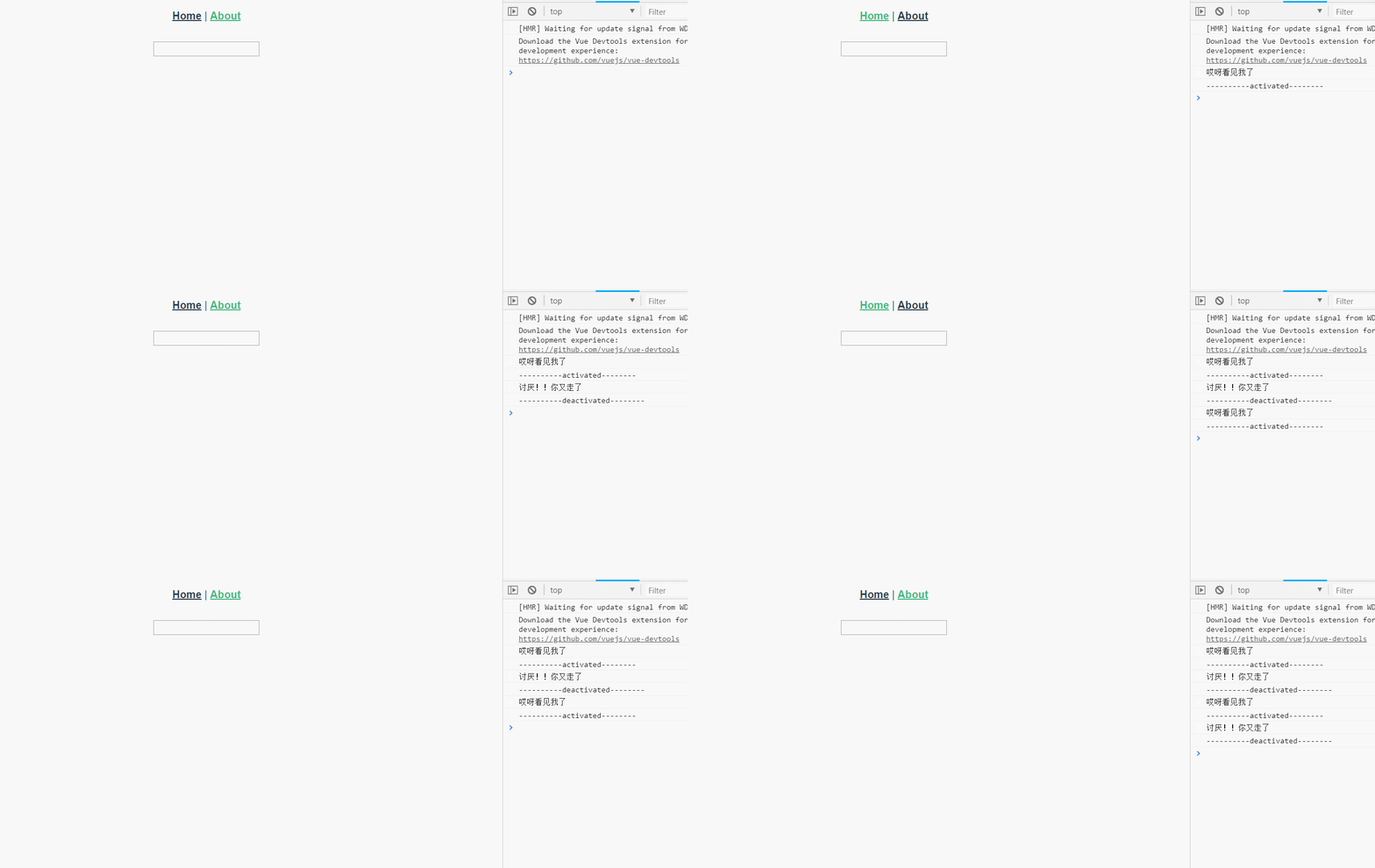
效果图:
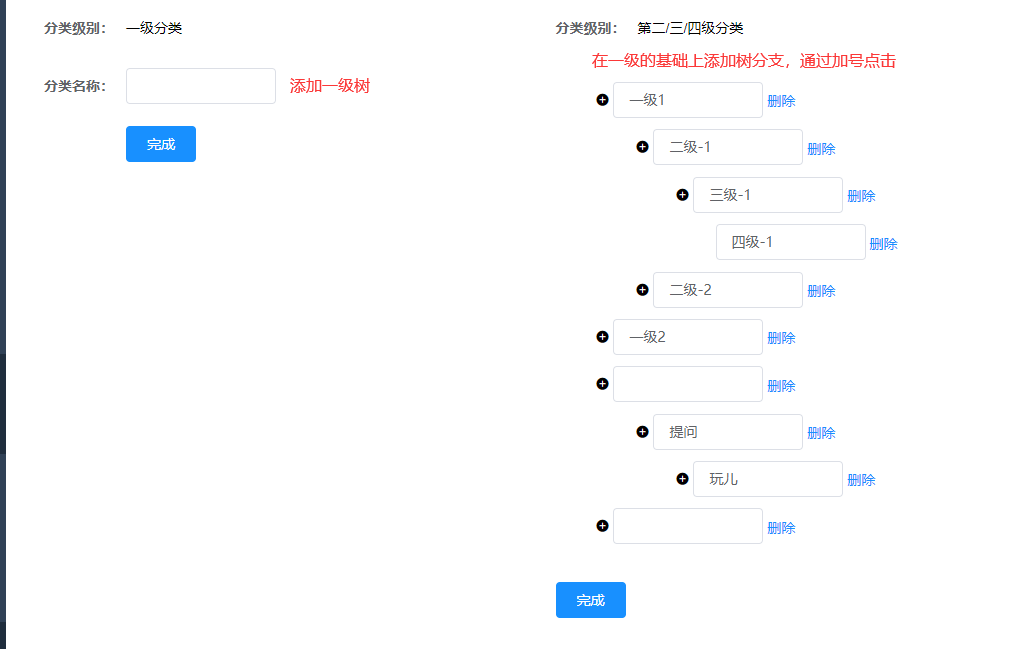
demo查看
如果使用脚手架项目使用可能会报错
[Vue warn]: You are using the runtime-only build of Vue where the template compiler is not available
使用runtimeonly模式的,也就是引入.vue
如果不是直接引入vue.js而是使用脚手架,你可能会启动
module.exports = {
  runtimeCompiler: true
}
那就需要了解Compiler和Runtime的区别
总之,Compiler模式支持编译template,慢;
例如:
new Vue({
 el: "#box",
 template: "<div>{{msg}}</div>",
 data: {
  msg: "hello"
 }
});
Runtime使用 vue-loader 加载.vue 文件,不支持直接用template,这种方式快。
https://blog.csdn.net/xiaomajia029/article/details/88320233
父:
<template>
  <div class="app-container">

          <el-col :span="12">
                <el-input v-model="firstlevel" style="width: 150px;"></el-input>
                <el-button @click="addfirstlevel" type="primary">完成</el-button>
          </el-col>
          <el-col :span="12">
                <treeMenus :toplevel="toplevel" :list="treeMenusData"></treeMenus>
                <el-button @click="savetree" type="primary">完成</el-button>
          </el-col>

  </div>
</template>

<script>

import $ from 'jquery'

import TreeMenus from '@/components/TreeMenus'
var tempid=0;
export default {
  name: 'categoryManagement',
  components: {
    TreeMenus
  },
  data() {
    return {
      toplevel:1,

      firstlevel:'',

      treeMenusData: [ // 数据格式
        // {
        //   id:1,
        //   name:'一级1',
        //   children:[
        //     {
        //       id:8,
        //       name:'二级-1',
        //       children:[
        //         {
        //           id:3,
        //           name:'三级-1',
        //           children:[
        //             {
        //               id:11,
        //               name:'四级-1',
        //               children:[
        //
        //               ]
        //             },
        //           ]
        //         },
        //       ]
        //     },
        //     {
        //       id:77,
        //       name:'二级-2',
        //       children:[
        //
        //       ]
        //     }
        //   ]
        // },
        // {
        //   id:61,
        //   name:'一级2',
        //   children:[]
        // },
      ],

    }
  },
  watch: {

  },
  created() {

  },
  mounted() {

  },
  destroyed() {
    // window.removeEventListener('storage', this.afterQRScan)
  },
  methods: {


    findx:function(type,arr,id){
      for(let i=0;i<arr.length;i++){

        if( arr[i].id==id ){
          if(type=='del'){
            arr.splice(i,1)
          }else{
            arr[i].children.push({
              id:this.findmaxValue(this.list)+1,
              name:'',
              children:[]
            })
          }
          break
        }else if(arr[i].children.length > 0){
          this.findx(type,arr[i].children, id);  //递归调用
        }
      }
    },


    findmaxValue(arr){

      for(let i=0;i<arr.length;i++){
        console.log(arr[i].id)
        if(arr[i].id>tempid){
          tempid=arr[i].id
        }

        if(arr[i].children.length > 0){
          this.findmaxValue(arr[i].children);  //递归调用
        }else{
         // break
        }

      }
      return tempid
    },


    //添加第一级
    addfirstlevel(){
      tempid =0

      this.treeMenusData.push({
        id:this.findmaxValue(this.treeMenusData)+1,
        name:this.firstlevel,
        children:[
        ]
      })

    },


    savetree(){

      console.log(this.treeMenusData)

    }

  }
}
</script>

<style lang="scss">
  .el-pagination{display: inline-block}
  .treedom span{background: #ccc;cursor: pointer}
  li{list-style: none}
  em{cursor: pointer}
  .catename{padding: 10px 0;}
  .branch{display: none}
  #tree em{margin-right: 5px;}
  #tree li{margin: 15px 0}
  #tree .del{cursor: pointer;font-size: 12px; color: rgb(64, 158, 255);}
  #tree input{
    height: 36px;
    line-height: 36px;
    -webkit-appearance: none;
    background-color: #FFFFFF;
    background-image: none;
    border-radius: 4px;
    border: 1px solid #DCDFE6;
    -webkit-box-sizing: border-box;
    box-sizing: border-box;
    color: #606266;
    display: inline-block;
    font-size: inherit;
    outline: none;
    padding: 0 15px;
    -webkit-transition: border-color 0.2s cubic-bezier(0.645, 0.045, 0.355, 1);
    transition: border-color 0.2s cubic-bezier(0.645, 0.045, 0.355, 1);
  }

</style>
子:
<template>
     <ul class="tree-ul">
       <li v-for="(item,index) in list " :key="index">
         <div> <span v-if="toplevel!=4" @click="addlevelbtn(item.id)"><i class="el-icon-circle-plus"></i></span> <el-input style="width: 150px" v-model="item.name"></el-input> <el-link @click="delfindid(item.id)" type="primary">删除</el-link> </div>
         <treeMenus :toplevel="toplevel+1" :list="item.children"></treeMenus>
       </li>
     </ul>

</template>
<script>

var tempid=0
export default {
  name: "treeMenus",
  props: {
    list: Array,
    toplevel:Number,
  },
  data(){
    return{

    }
  },
  computed:{

  },
  methods:{
    addlevelbtn(id){
      tempid=0
      this.findx('xx',this.list,id)
    },


    findmaxValue(arr){

      for(let i=0;i<arr.length;i++){
        console.log(arr[i].id)
        if(arr[i].id>tempid){
          tempid=arr[i].id
        }

        if(arr[i].children.length > 0){
          this.findmaxValue(arr[i].children);  //递归调用
        }else{
          // break
        }

      }
      return tempid
    },

    findx:function(type,arr,id){
      for(let i=0;i<arr.length;i++){

        if( arr[i].id==id ){
          if(type=='del'){
            arr.splice(i,1)
          }else{
            arr[i].children.push({
              id:this.findmaxValue(this.list)+1,
              name:'',
              children:[]
            })
          }
          break
        }else if(arr[i].children.length > 0){
          this.findx(type,arr[i].children, id);  //递归调用
        }
      }
    },

    delfindid:function(id){
        this.findx('del',this.list,id)
    }

  }
};

</script>
<style>
.tree-ul li{margin: 10px 0;}
</style>
关于vue组件递归简单案例:https://www.cnblogs.com/gsgs/p/6687030.html